
TL;DR: MCP (Model Context Protocol) acts as a universal plug between an AI assistant and external services. Instead of writing custom schemas for every API, the server advertises its tools and the agent discovers them automatically.
1. A Server Only Exposes Its Declared Tools
The Brave MCP server tutorial demonstrates that the agent receives strictly two tools — web search and local search — regardless of prompt instructions (Source ①, 11:18).
2. Missing "MCP Client Tool" Node in n8n
When the node does not appear in the palette, it is usually not installed in that instance (cloud vs self-hosted Docker differences covered at 15:06 in Source ①).
3. When to Build a Custom MCP Server & Community Nodes
Write your own MCP server when no connector exists or when consolidating multiple internal tools into one contract (Source ②, 17:51; community node install at 18:33).
4. Turning Your n8n Account into an MCP Server
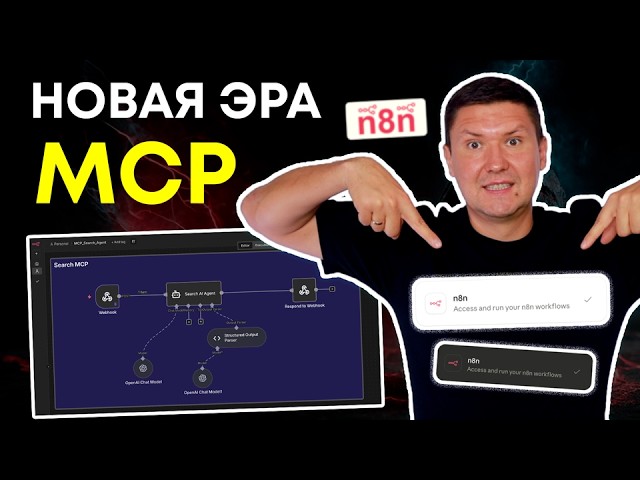
n8n itself can expose workflows as MCP tools (Source ③, 00:41) — critical requirement: the workflow must be set to Active, otherwise clients cannot see it (03:29).